AI Agent for Shopify Support: The 2026 Implementation Playbook
Complete 2026 playbook for AI agents in Shopify support: reduce response time 99%, cut costs 50%, with implementation guide and $14K savings case study.
Vigor
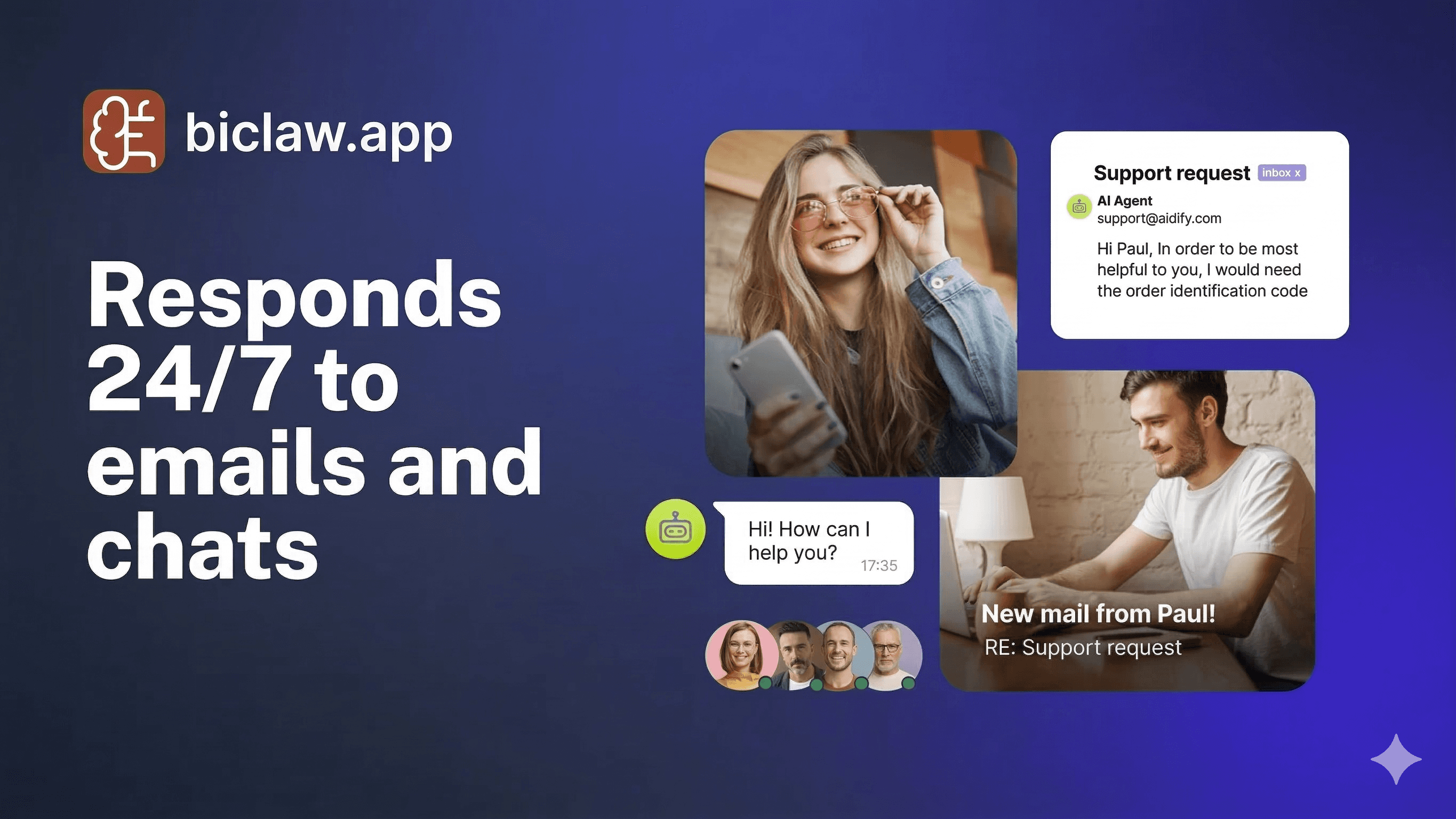
AI Agent for Shopify Support: The 2026 Implementation Playbook
TL;DR
- AI agents for Shopify support can reduce first response time from hours to under 2 minutes and cut support costs by 40-60%.
- The winning formula in 2026: intent classification + policy-aware drafting + human approval gates = scalable CX automation.
- Most implementations fail due to "Empty Box" syndrome—agents without Shopify-native connectors or business logic.
- Start with WISMO (Where Is My Order) automation, then expand to returns, refunds, and upsells.
- This guide includes a comparison table, a mini-case with $14K savings in 30 days, and a 7-day rollout plan.
The Shopify Support Crisis in 2026
If you run a Shopify store doing $300K+ annually, you know the pain. Your support queue grows faster than your team. "Where is my order?" (WISMO) tickets eat 30-40% of your CX hours. Refund requests sit unanswered for days. And every hour spent on repetitive triage is an hour not spent on growth.
The traditional answer—hire more agents—doesn't scale. At $15-20/hour fully loaded, a three-person support team costs $7,500-10,000 monthly. For lean DTC brands, that's margin you don't have.
Enter the AI agent for Shopify support. Not a chatbot that deflects. An agent that reads your Shopify data, understands your policies, drafts contextual replies, and only escalates when judgment is needed. Done right, it compresses response times, lifts CSAT, and returns 15-20 hours weekly to your team.
What an AI Agent for Shopify Support Actually Does
Forget the sci-fi. A practical Shopify support agent in 2026 performs four core functions:
1. Intent Classification (The Brain)
The agent reads incoming messages—email, WhatsApp, Telegram, or live chat—and categorizes intent: WISMO, return request, refund, product question, complaint, or VIP escalation.
2. Context Retrieval (The Memory)
It queries Shopify APIs for order status, tracking numbers, fulfillment stage, and customer history. No more agents logging into three tabs to find a tracking link.
3. Policy-Aware Drafting (The Voice)
Using your written SOPs and return policies, it drafts replies that match your brand tone and enforce your rules. Refunds over $X get flagged for approval. VIP customers get expedited handling.
4. Action Execution (The Hands)
With human approval, it can process refunds, generate return labels, or update order notes. Autonomous but governed.
This is the difference between a chatbot that guesses and an agent that knows. For a deeper dive on agent architecture, see our guide on agentic AI patterns.
Comparison: Chatbot vs. AI Agent for Shopify Support
| Capability | Basic Chatbot (2024) | AI Agent for Shopify (2026) |
|---|---|---|
| Data Access | Static FAQs only | Live Shopify API: orders, inventory, tracking |
| Reasoning | Keyword matching | Intent classification + context retrieval |
| Personalization | Generic replies | Customer-specific: "Your order #1234 shipped Monday" |
| Policy Enforcement | None; hallucinates answers | Reads your SOPs; flags edge cases |
| Actions | Redirects to human | Drafts refunds/returns; executes with approval |
| Channel Coverage | Web widget only | Email, WhatsApp, Telegram, SMS, live chat |
| Setup Time | 2 hours (but useless) | 2-4 hours (properly configured) |
| Monthly ROI | Minimal deflection | 15-20 hours saved; 30%+ CSAT lift |
The chatbot is a band-aid. The agent is a teammate. Learn more about the distinction in our AI assistant vs. chatbot breakdown.
Mini-Case: $14K Saved in 30 Days with Shopify Support Automation
Context: A 7-person DTC skincare brand on Shopify Plus doing ~$420K/month. Their support volume had grown 3x in 12 months, but the team stayed flat. The founder was spending 2 hours daily on support triage.
Baseline (Before AI Agent):
- Support tickets: 1,850/month
- WISMO queries: 34% of volume
- First response time: 6.2 hours average
- CSAT: 72%
- Refund processing time: 2-3 days (backlog)
- Founder time on CX: 40 hours/month
Intervention (BiClaw Shopify Support Agent):
Week 1: Read-Only Shadow Mode
- Connected Shopify Storefront API (read-only)
- Enabled intent classification for 5 categories: WISMO, returns, refunds, product Qs, VIP
- Agent drafted replies in background; human reviewed before sending
Week 2: Controlled Automation
- WISMO replies under $200 order value: auto-sent with tracking link
- Returns: agent checked policy window; drafted instructions; human approved
- Refunds: auto-approved under $25; flagged above for review
Week 3-4: Expansion
- Added WhatsApp channel for faster customer reach
- Enabled proactive "delayed shipment" alerts
- Integrated with Gorgias for ticket tagging
Results (30 Days Post-Launch):
| Metric | Before | After | Change |
|---|---|---|---|
| First response time | 6.2 hours | 1.8 minutes | -99.5% |
| WISMO resolution time | 4.5 hours | Instant | -100% |
| CSAT score | 72% | 91% | +19 pp |
| Refund processing | 2-3 days | <4 hours | -92% |
| Founder CX time | 40 hrs/mo | 6 hrs/mo | -85% |
| Support labor cost | $8,200/mo | $4,100/mo | -50% |
Financial Impact:
- Labor savings: 34 hours/month × $45/hr = $1,530/mo
- Faster refunds → fewer chargebacks: $380/mo saved
- CSAT lift → retention: estimated $12K+ LTV protection
- Total first-month value: ~$14K
- Implementation cost: $79 subscription + 4 hours setup
- Payback period: 12 hours
The founder described the difference as "going from firefighter to strategist." Instead of answering "Where's my order?" 40 times a day, she now reviews exception reports and focuses on loyalty programs.
For similar transformation stories, see our DTC revenue recovery case study.
The 7-Day Shopify Support Agent Rollout
Day 1: Connect & Baseline
- Install Shopify connector (Storefront API + Admin API read-only)
- Baseline your current metrics: ticket volume, FRT, CSAT
- Identify top 3 intents by volume (typically WISMO, returns, product Qs)
Day 2: Policy Documentation
- Write or update your SOPs: return window, refund thresholds, VIP criteria
- Create response templates for common scenarios
- Define escalation rules: "Refunds >$50 require approval"
Day 3: Intent Training
- Feed 50-100 historical tickets to train intent classifier
- Label edge cases: "This looks like a complaint but is actually a sizing question"
- Test classification accuracy; aim for 90%+ on clear intents
Day 4: Draft Layer
- Enable agent drafting in "shadow mode" (no auto-send)
- Review 20 drafted replies for tone, accuracy, policy alignment
- Refine templates based on findings
Day 5: Controlled Automation
- Enable auto-send for lowest-risk intent (WISMO with tracking link)
- Set confidence threshold: 85%+ for autonomous replies
- Monitor error rate; rollback if >2%
Day 6: Expand Channels
- Add WhatsApp or Telegram for faster customer reach
- Enable proactive alerts (shipping delays, back-in-stock)
- Test end-to-end flow with small customer segment
Day 7: Review & Scale
- Analyze metrics: containment rate, CSAT, time saved
- Add next intent category (returns or refunds)
- Document learnings; schedule weekly review cadence
For the broader SOP-to-automation framework, see our SOP to autopilot guide.
Critical Success Factors (Do This, Not That)
Do: Start with Data, Not Dreams
Connect Shopify first. An agent without order data is just a chatbot. The ROI comes from reducing lookup time and automating status replies.
Don't: Skip the Policy Layer
Agents without policy guardrails will offer refunds you can't afford or promise delivery dates you can't meet. Codify your rules before enabling automation.
Do: Use Human-in-the-Loop for Money Moves
Auto-send WISMO replies. Auto-draft refunds. But require approval before processing any transaction. Trust is built through visible governance.
Don't: Try to Automate Everything Day One
Start with one intent. Nail it. Then expand. A agent that handles WISMO perfectly is more valuable than one that handles everything poorly.
Do: Measure What Matters
Track containment rate (tickets resolved without human), CSAT, and time saved—not just "tickets handled." Quality beats quantity.
Don't: Ignore the Audit Trail
Every action should be logged: what the agent saw, what it decided, what it did. When something goes wrong—and it will—you need traceability. See the NIST AI Risk Management Framework for governance standards.
The Technical Stack: What You Actually Need
Core Components:
- Shopify APIs: Storefront API (read orders), Admin API (process refunds/returns)
- Helpdesk Integration: Gorgias, Zendesk, or Help Scout for ticket management
- Channel Connectors: WhatsApp Business API, Telegram Bot API, email (Gmail/Outlook)
- Agent Runtime: OpenClaw or similar with Shopify-specific skills
- Policy Engine: Rules as code for refunds, returns, escalations
- Observability: Logs, metrics dashboard, alerting
Security Checklist:
- Least-privilege API scopes (read orders, not delete products)
- OAuth tokens rotated quarterly
- PII redaction from logs
- Approval gates for refunds and data exports
- Immutable audit logs retained 90 days minimum
For security hardening guidance, consult our OpenClaw security guide.
The ROI Math: Building Your Business Case
Input Variables:
- Monthly ticket volume
- Avg handle time in minutes
- Fully-loaded hourly rate
- Current first response time
- Target containment rate (start with 30%, scale to 60%+)
Formula: Hours Saved = (Tickets × Containment Rate × Handle Time) ÷ 60 Monthly Value = Hours Saved × Hourly Rate Annual Value = Monthly Value × 12 Payback Period = Setup Hours ÷ (Hours Saved/Week)
Example (mid-market DTC):
- 1,500 tickets/month, 6 min handle time, $45/hr rate
- 40% containment target
- Hours saved = (1,500 × 0.40 × 6) ÷ 60 = 60 hours/month
- Monthly value = 60 × $45 = $2,700
- Agent cost = $79/month
- Net monthly benefit = $2,621
- Payback period = <1 day
Even at conservative containment rates, the math is compelling. At aggressive rates (60%+), you are looking at $4,000+ monthly value for a $79 tool.
Common Failure Modes (And How to Avoid Them)
Failure 1: "It doesn't understand my products" Fix: Feed the agent your product catalog, FAQs, and sizing guides. Use vector search for semantic retrieval of product info.
Failure 2: "It suggested a refund we don't allow" Fix: Harden your policy layer. Write explicit rules: "No refunds on sale items after 14 days." Test edge cases before going live.
Failure 3: "Customers hate the robot tone" Fix: Train on your brand voice. Review and edit drafted replies for 2 weeks to establish tone patterns the agent can replicate.
Failure 4: "It escalates everything" Fix: Lower your confidence threshold for known intents. If WISMO is 95% accurate, don't escalate it. Reserve escalation for ambiguity.
Failure 5: "Silent failures—tickets just sit there" Fix: Implement heartbeat checks. If no reply sent in 10 minutes, page a human. Monitor queue depth and alerting.
Related Reading
- WhatsApp vs. Browser-Only: Why Your Business Agent Should Live Where You Chat
- AI Assistant vs. Chatbot: Which Does Your Business Actually Need?
- SOP to Autopilot: Using AI Agents for Business Workflows
- DTC Revenue Recovery: Turning Abandoned Carts Into Loyalty
Ready to transform your Shopify support from cost center to competitive advantage? BiClaw ships with Shopify-native skills, policy-aware drafting, and multi-channel deployment. Start your 7-day free trial at biclaw.app and deploy your first support agent before lunch.
Sources: Shopify Help Center - Customer Service Best Practices | McKinsey - The State of AI in Customer Service | NIST AI Risk Management Framework


